



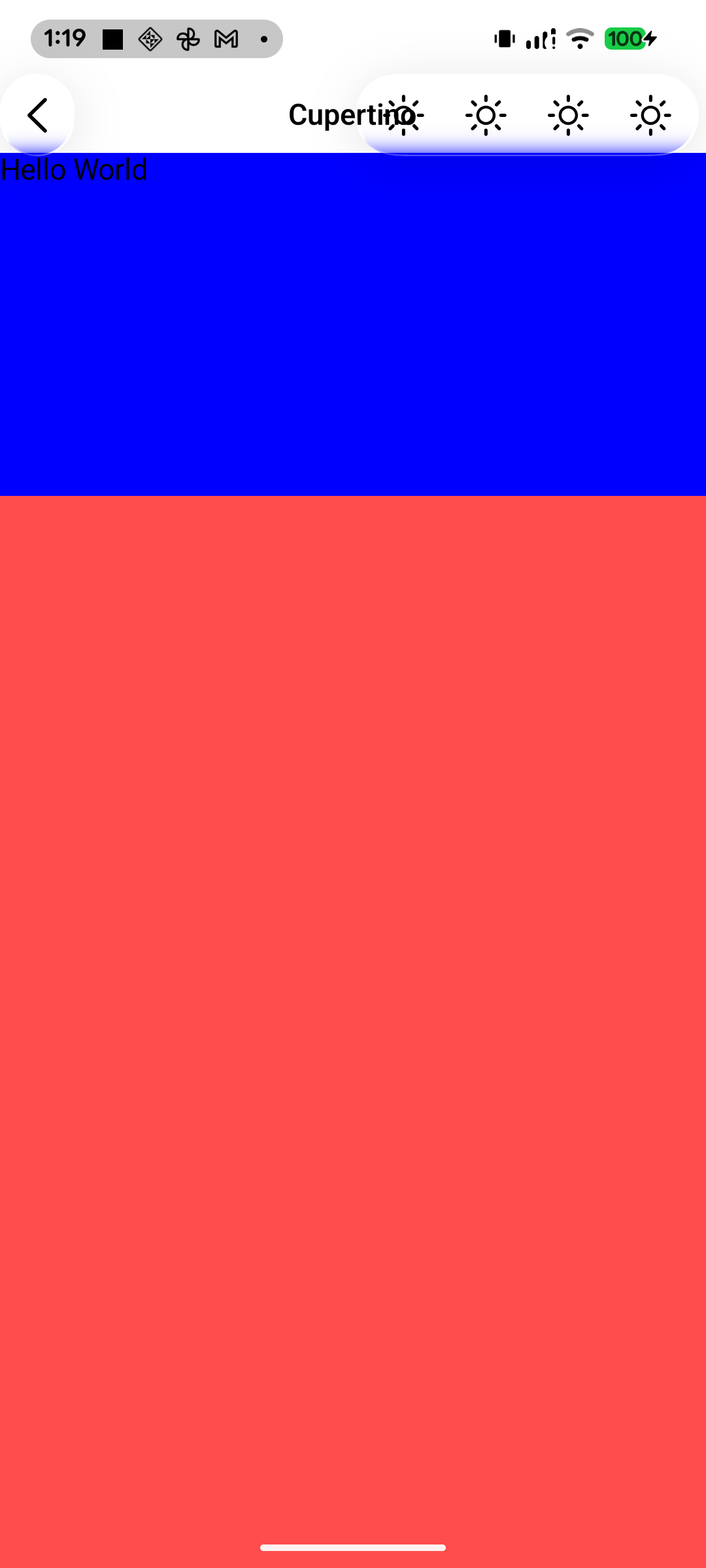

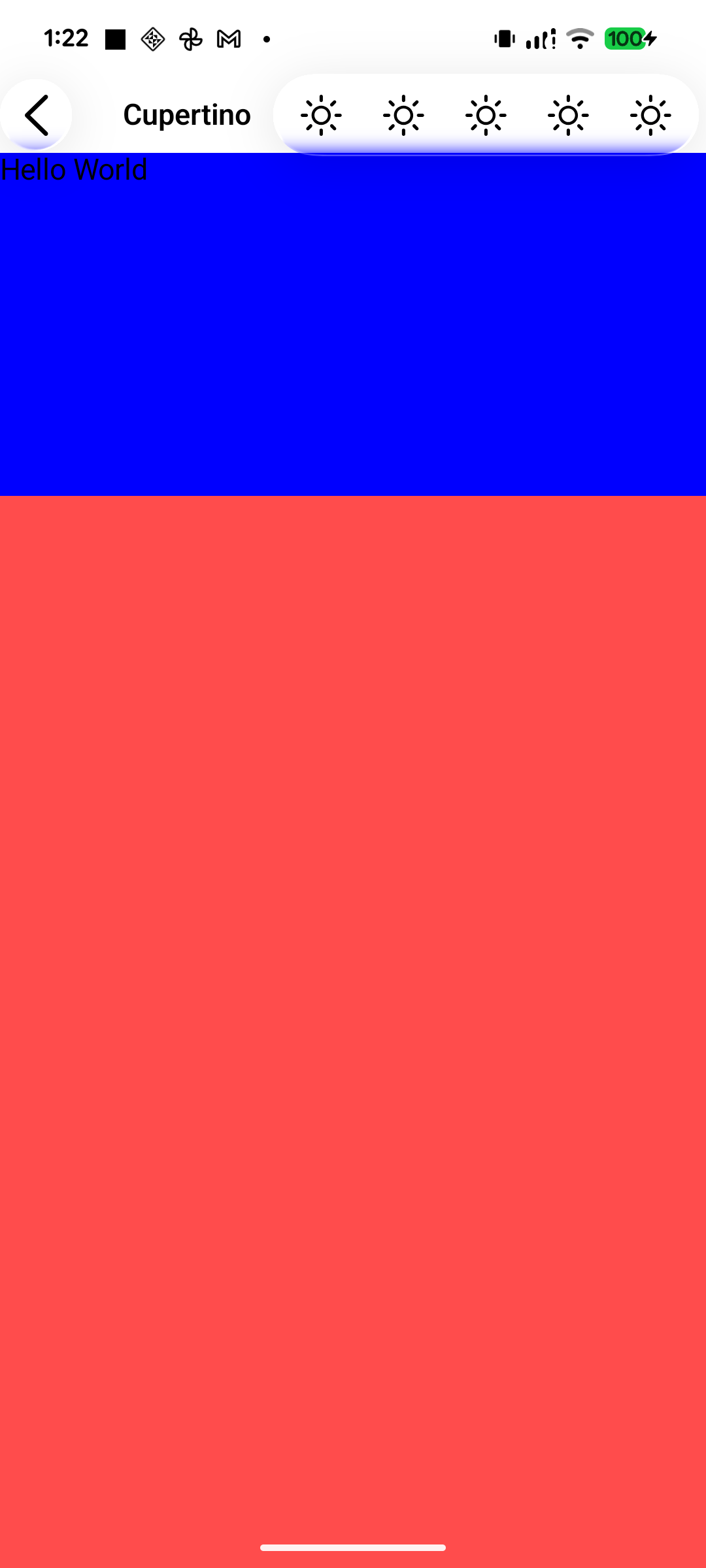
title이 isCenterAligned = true를 통해 중간으로 가면 action이 겹치면, 해당 부분을 계산하여 밀어야 한다.
본래의 Material3 TopBar는 그게 구현이 되어 있는데 기존 Compose Cupertino 라이브러리는 그렇지가 못해서 직접 계산한 후 미루도록 하였다. (사진 1)
짜잔... 잘 미뤄졌다. action이 5개가 되어도 잘 미뤄진다. (사진 2, 사진 3).
Arrangement.Center -> if (constraints.maxWidth / 2 - (TopAppBarHorizontalPadding.roundToPx() + actionIconsPlaceable.width + safeMargin) >= titlePlaceable.width / 2) {
    (constraints.maxWidth - titlePlaceable.width) / 2
} else {
    constraints.maxWidth - (TopAppBarHorizontalPadding.roundToPx() + actionIconsPlaceable.width + safeMargin) - titlePlaceable.width
}'코틀린 멀티플랫폼 KMP 개발' 카테고리의 다른 글
| [Compose HIG] TopBar 구현 (0) | 2026.02.20 |
|---|---|
| [Compose HIG] Background Adaptive Button 구현 (1) | 2026.02.13 |
| [Compose HIG] TopAppBar 및 Action 영역 구현 (0) | 2026.02.13 |
| [Compose HIG] Slider 개발 (0) | 2026.02.11 |
| Compose Settings 라이브러리 컬러 체크 (0) | 2025.03.08 |